Quick Takeaways
- A bulk mockup generator for Etsy sellers automates product image creation. Upload your designs once, generate hundreds of finished mockups in minutes. No Photoshop. No manual clicking.
- Most tools give you the same stock library every other seller uses. Bulk Mockup Creator lets you upload your own product photos as templates, so your listings look nothing like your competitors’.
- Pay-per-use credits from $10. No monthly fee. Credits never expire. Start with 50 free credits, no credit card required.
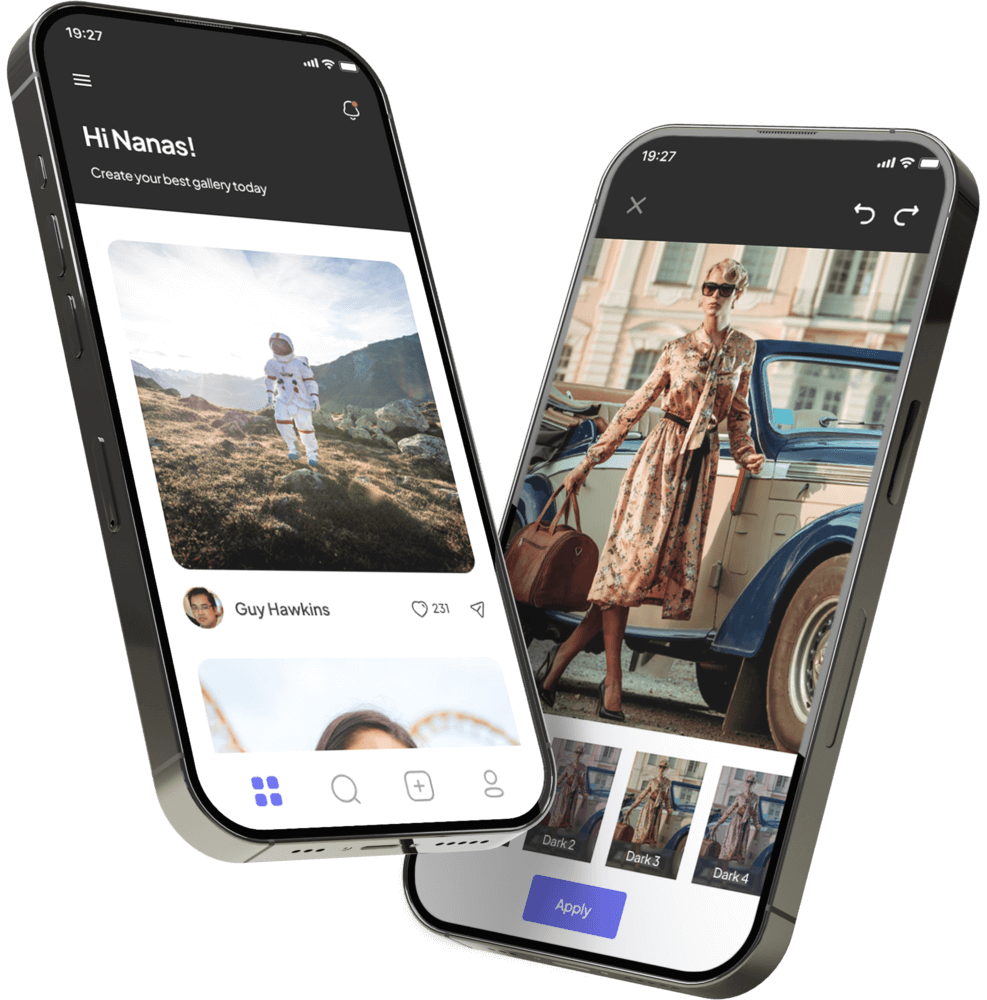
A bulk mockup generator for Etsy sellers takes hours of repetitive image work and turns them into minutes. You upload your designs. You pick your templates. The tool applies every design to every template automatically and hands you back a folder of finished product images. No Photoshop. No clicking through files one by one.
The problem is most sellers are still doing this manually, or using tools that do not actually fix the bottleneck.
What Are Etsy Sellers Really Saying About Mockups?
Pull up any r/Etsy thread on product photos. The same three complaints come up:
- Time. “I spend five hours a week just on mockups. That’s five hours I’m not designing or listing.” Ten designs with five color variants each is 50 mockups. Built one by one, that takes most of a morning.
- Sameness. “All my product photos look identical to my competitors.” Printify and Printful give every seller the same free templates. Your store ends up looking like thousands of others, because it does.
- Skipped variants. “I have 20 color options but only list six because creating the other 14 takes too long.” Unbuilt variants are lost sales.
These are not edge cases. They are the normal weekly workflow for most Etsy sellers.
Why Don’t Existing Mockup Tools Fix the Problem?
Every popular option has a ceiling:
| Tool | True Bulk | Custom Templates | Price | Monthly Fee |
|---|---|---|---|---|
| Bulk Mockup Creator | Yes, 300+ at once | Yes, your own photos | From $10 | No |
| Placeit | No | No | $15–$89/mo | Yes |
| Dynamic Mockups | Partial | Partial | Varies | Yes |
| Canva | No | No | Free–$15/mo | Yes |
| Printify / Printful | No | No | Free | No |
Placeit has 43,000+ templates. But they are the same 43,000 templates every other Etsy seller can access. You are not standing out, you are blending in – and our comparison with standard mockup libraries breaks down exactly why.
One more thing worth knowing: Etsy’s seller guidelines ban AI-generated images from main listing thumbnails. That rules out Midjourney or DALL-E outputs as primary photos. Template-based composition, placing your design onto a real product photo, stays fully compliant.
What Makes Bulk Mockup Creator Different for Etsy Sellers?
Three things no other tool in the table above combines:
Your own templates. You upload your product photos and define the placement zone once. Every design gets applied to your photos, not to a shared stock library your competitors also have access to. Your mockups look different because they are different.
True batch generation. Not five at a time. A seller with 15 designs and 20 color variant templates walks away with 300 finished images from a single session. This bulk mockup creation platform runs the full batch without you touching each one.
Pay-per-use, not a monthly fee. Credits start at $10 and never expire. View all credit pack options, buy when you need them, not on a billing cycle.
How to Create 300 Etsy Mockups in Under 10 Minutes
- Upload your product photos and define the placement zone, one-time setup per template
- Upload your designs as transparent PNG files, all at once
- Select all templates and all designs in the creation wizard
- Click generate
- Download your mockups in organized folders, ready for Etsy upload
Active time: under 10 minutes. Output: 300 finished images. See how the credit system works before you start, one credit covers one generated image.
Is a Bulk Mockup Generator Worth It for Your Etsy Shop?
If you are listing fewer than 10 products a month, a free tool may be enough. But if you manage 20+ designs across multiple color variants, or your store photos look identical to every other seller using the same template service, a bulk tool pays for itself in the first session.
Read what Etsy sellers are saying about switching from one-by-one manual work to batch generation.
Frequently Asked Questions
Is Bulk Mockup Creator’s output compliant with Etsy’s mockup policies?
Yes. The platform places your designs onto real product photos using defined placement zones. This is template-based composition, not AI generation, fully compliant with Etsy’s current listing photo requirements.
Can I upload my own product photos as mockup templates?
Yes, that is the core feature. Upload any product photo, define the placement zone once, and Bulk Mockup Creator applies every design to it automatically. You are not limited to any shared template library.
Do my credits expire if I do not use them right away?
No. Credits never expire. No monthly resets, no deadline pressure.
Can I use this if I have no Photoshop experience?
Yes. The platform is browser-based, nothing to download or install. Template setup takes about 30 seconds per photo. Check our FAQ for a full setup walkthrough.
What file formats do I need?
Designs should be transparent PNG files, ideally 2000×2000px or larger. Templates can be PNG or JPEG product photos.
How do I get started without spending anything?
New accounts receive 50 free credits at signup. No credit card required.
Upload once. Generate hundreds. Start with 50 free credits, no credit card required.