Everything you need to know about creating product mockups in bulk — without Photoshop, without a subscription.
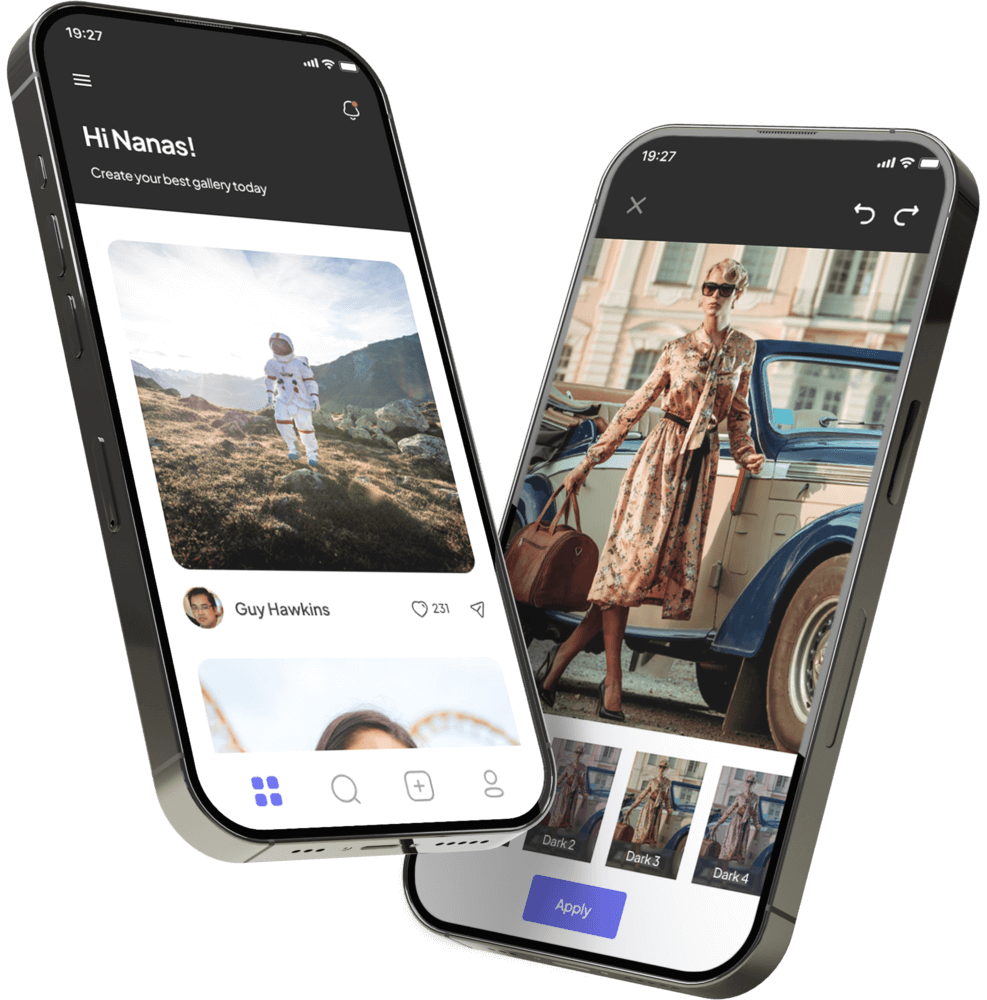
Bulk Mockup Creator is a browser-based tool that automates placing your designs onto product photos in bulk. Instead of doing it one by one in Photoshop, you define the placement area once — and the platform applies every design automatically, generating hundreds of ready-to-use mockup images in a single session.
It’s built for Etsy sellers, print-on-demand businesses, e-commerce stores, and designers who regularly need large volumes of product mockup images without the time cost of manual work.
No. Bulk Mockup Creator works 100% in your web browser. There’s nothing to download, install, or configure. You don’t need a Photoshop license, any plugins, or any design experience.
Just create a free account, upload your files, and start generating mockups — from any device, any operating system.
Yes. Every new account receives 50 free credits instantly at signup — no credit card required. That’s 50 real mockups you can create before spending a single dollar.
Sign up here →
After uploading your product photo, click the “Define Areas” button on the file card. A visual editor opens where you can drag, resize, and rotate a rectangle to define exactly where your design should appear.
You can define up to 3 separate design areas per product photo (Main, Secondary, Tertiary). Once saved, this placement is applied to every design you upload — you never need to set it again for that photo.
Any product you have a photo for. Bulk Mockup Creator works with your own product photos, so you’re not limited to a template library. Common uses include:
T-shirts, sweatshirts, hoodies, tote bags, mugs, phone cases, posters, wall art, journals, tumblers, hats — or any flat surface product where a design can be placed.
Check our design guidelines for best results per product type.
Simple: 1 credit = 1 mockup.
You purchase a credit package once and use credits whenever you need them. There is no monthly subscription, no recurring charge, and no auto-renewal. You’re in full control.
View all packages on our pricing page.
Mockup templates (product photos): PNG, JPG, JPEG, GIF, WEBP, PSD
Design files (patterns): PNG, JPG, JPEG
For best results, use PNG design files with transparent backgrounds at minimum 2000×2000 pixels resolution. See our design guidelines for full specifications.
Two key differences:
1. Batch processing: Placeit and Canva create one mockup at a time. Bulk Mockup Creator generates hundreds in a single session — automatically.
2. Your own photos: Placeit restricts you to their template library. With Bulk Mockup Creator, you use your own product photos, so every mockup is unique to your brand.
Also: no monthly subscription — you only pay for what you use.
Photoshop plugins still require an active Photoshop subscription ($20–55/month) plus the plugin cost. They are also tied to one desktop computer.
Bulk Mockup Creator works entirely in the browser — no Photoshop, no plugin, no installation. Access your account from any device, anywhere. You only pay for the credits you use.